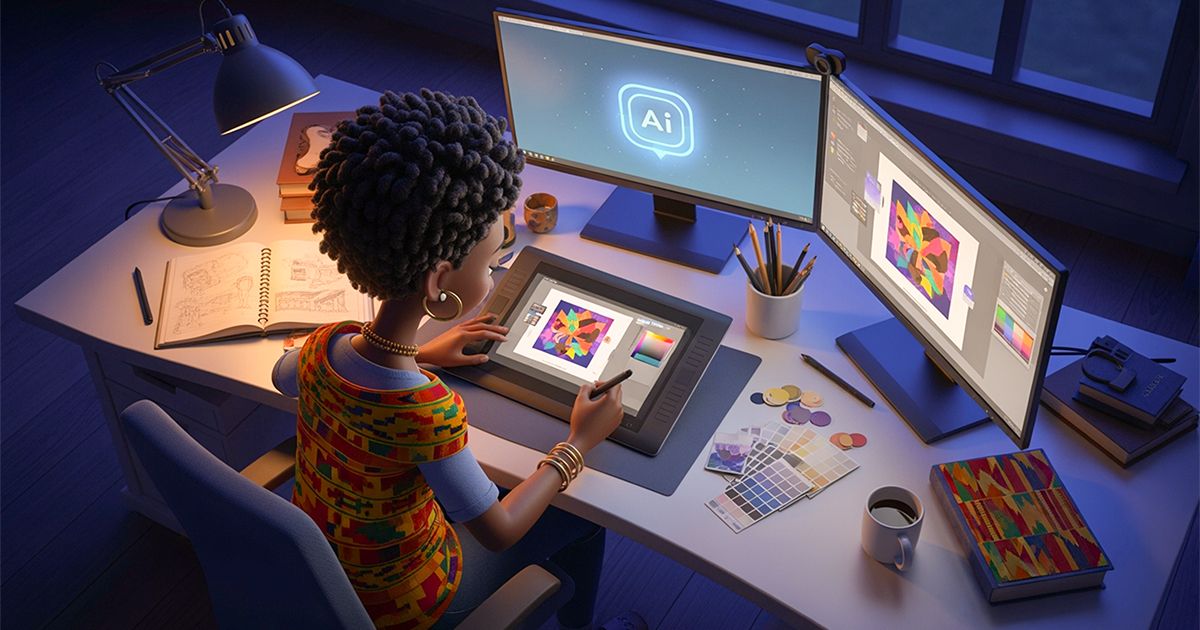
In 2026, AI has evolved from basic text generation into a practical design partner capable of automating repetitive tasks, brainstorming concepts, and creating vision boards. By utilizing AI to generate design samples and improve image quality, creative designers can focus on high-level strategy and unique creative output without losing their personal style.
Table of Contents
Key Takeaways
- It’s every creative designer’s wish to have repetitive tasks and brainstorming taken care of so they can focus on the actual design work. Did you know AI could actually do these by creating design samples, brainstorm and even create a vision board? If in 2020 that was impossible, now, in 2026 has made it possible. AI has moved from writing simple texts to generating concepts, improving image quality, and automating design work, making it a practical tool in modern design. Discover 5 ways you could utilise AI as a creative designer and learn how to use it to improve your creative output without losing your unique style.
1. Use AI To Beat Creative Block
Creative designers, like other creative people, often experience creative blocks at some points in the creative process. As a designer, instead of starting from a blank page, you can use AI to explore ideas quickly. AI can help you create design concepts, mood boards, colour palettes, visual styles and creative directions. For instance, you can prompt Nano Banana to “Suggest three bold visual concepts for a youth fashion brand.” But always remember to check for AI Hallucinations. A detailed prompt gives tools like Gemini Pro clearer instructions to generate what you actually want. Besides, it saves you time on brainstorming.
2. Use AI To Handle Routine Tasks
Many design tasks are necessary but time-consuming. AI can handle them in seconds. As a creative designer in 2026, using AI for “routine” tasks isn’t about replacing your vision; it’s about removing the friction of the production, organisation, and administration that eats up your day. Manual edits and technical preparation are the easiest tasks to delegate to AI. Instead of manual clipping paths, use Adobe Firefly or Photoshop’s Generative Fill to instantly remove backgrounds or expand canvases (Generative Expand). Other tools, such as Pixelcut or Canva Magic Studio, can batch-resize a single design into 20+ social media formats simultaneously, ensuring your layout adapts to various aspect ratios without manual rework.
3. Use AI to Enable Image Enhancement
AI has evolved from simple filters to “semantic editors” that understand the context of an image. For a creative designer, this means you can move beyond manual pixel-pushing and focus on creative direction. Instead of manual dodging and burning, AI enables “Global & Local Relighting” with tools like Photoshop’s “Harmonisation” filter, which automatically matches a subject’s colour and lighting to its background in a composite. Another tool, like Lumina Neo, allows you to map an image in 3D and “virtually” move the light source. If a portrait was shot with flat lighting, you can add a rim light or a spotlight effect afterwards. You can try using these tools.
4. AI for Personalised Design
AI enables you to create designs tailored to your audience, rather than a one-size-fits-all approach. By analysing user behaviour, engagement patterns, and content performance, AI helps you understand what your audience responds to best. This insight lets you craft visuals that feel more relevant, intentional, and effective. With AI, you can personalise your ad creatives, website visuals, email banners, and social media designs to match the preferences of different groups. For example, if you’re working on a recruitment campaign, you can use AI to adjust visuals for job seekers versus employers. You might change colours, imagery, or layouts based on audience data, ensuring your design speaks directly to each group’s needs and expectations.
5. Make Better Creative Decisions?
AI can help you make smarter creative decisions by providing data-driven feedback on your designs. Instead of relying only on guesswork, you can use AI tools to predict which designs may perform better, which layouts improve readability, and which visuals are likely to increase engagement. Tools like Adobe Sensei analyse how users interact with your designs, showing you where attention is focused and which elements work best. This feedback allows you to validate your ideas before finalising your work. While AI gives you valuable guidance, it doesn’t replace your intuition or creativity. You remain in control, using AI as a powerful assistant to strengthen your decisions.
2026 is going to be a year where employers look for creative powerhouses. Creative designers who use their abilities utilise AI in their designs to achieve corporate goals, not just as art lovers. To become an outstanding creative designer amongst other job seekers, utilise AI to beat creative block, automate repetitive tasks, leaving you to focus on design, utilise AI in video or photo enhancement, and create personalised designs from tools that inform your creative direction.
Do you have a portfolio of your creative work? Apply for these creative roles on Jobberman.
No. As the article highlights, AI in 2026 is a “co-creator,” not a replacement. Employers will look for creative designers who can use AI productively to achieve corporate goals.
An AI hallucination occurs when a tool generates incorrect or nonsensical information that looks convincing. For instance, when using Jobberman’s AI career tool to craft a cover letter, remember to revise to correct hallucinations if there are any.
Jobberman offers a wide range of creative jobs. Visit our website or create an alert to notify you of new creative design jobs.